


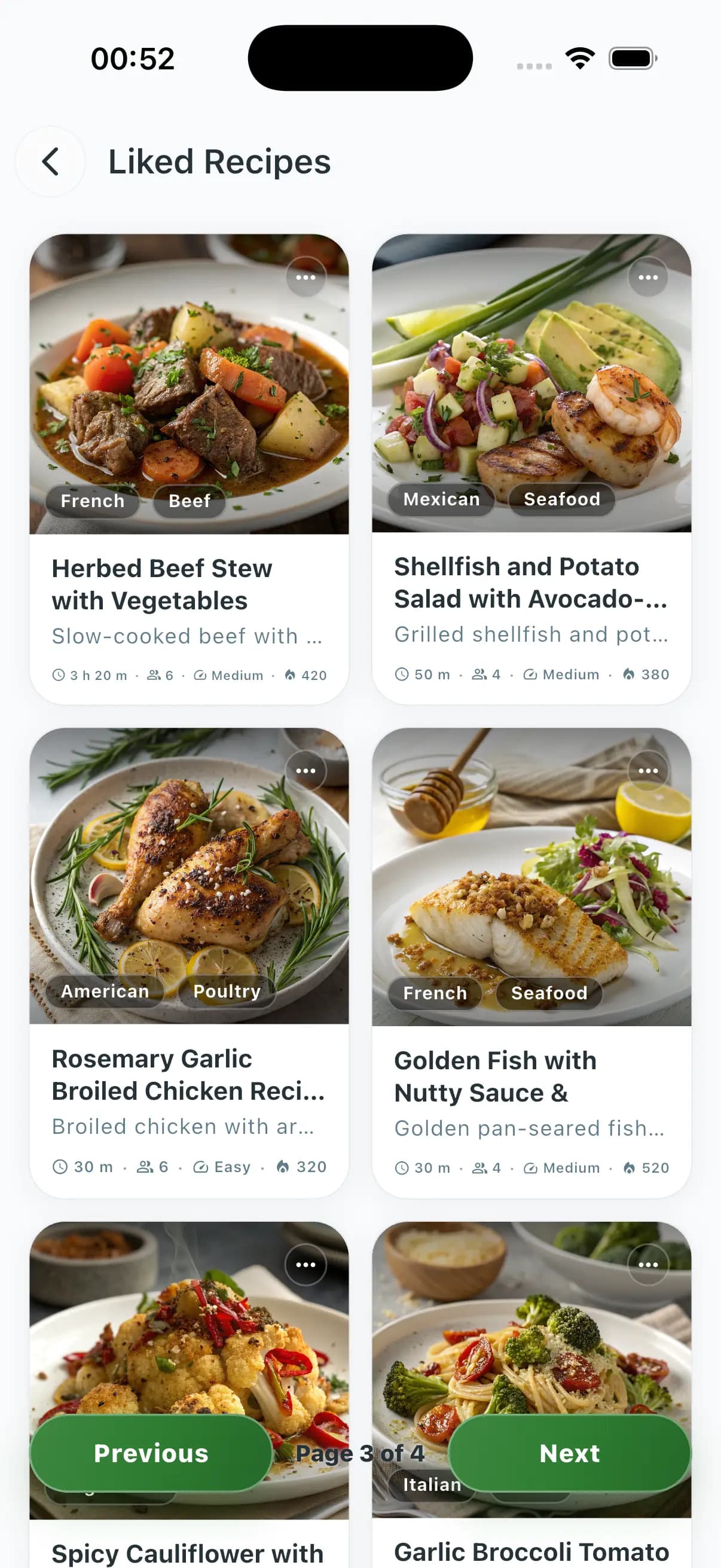


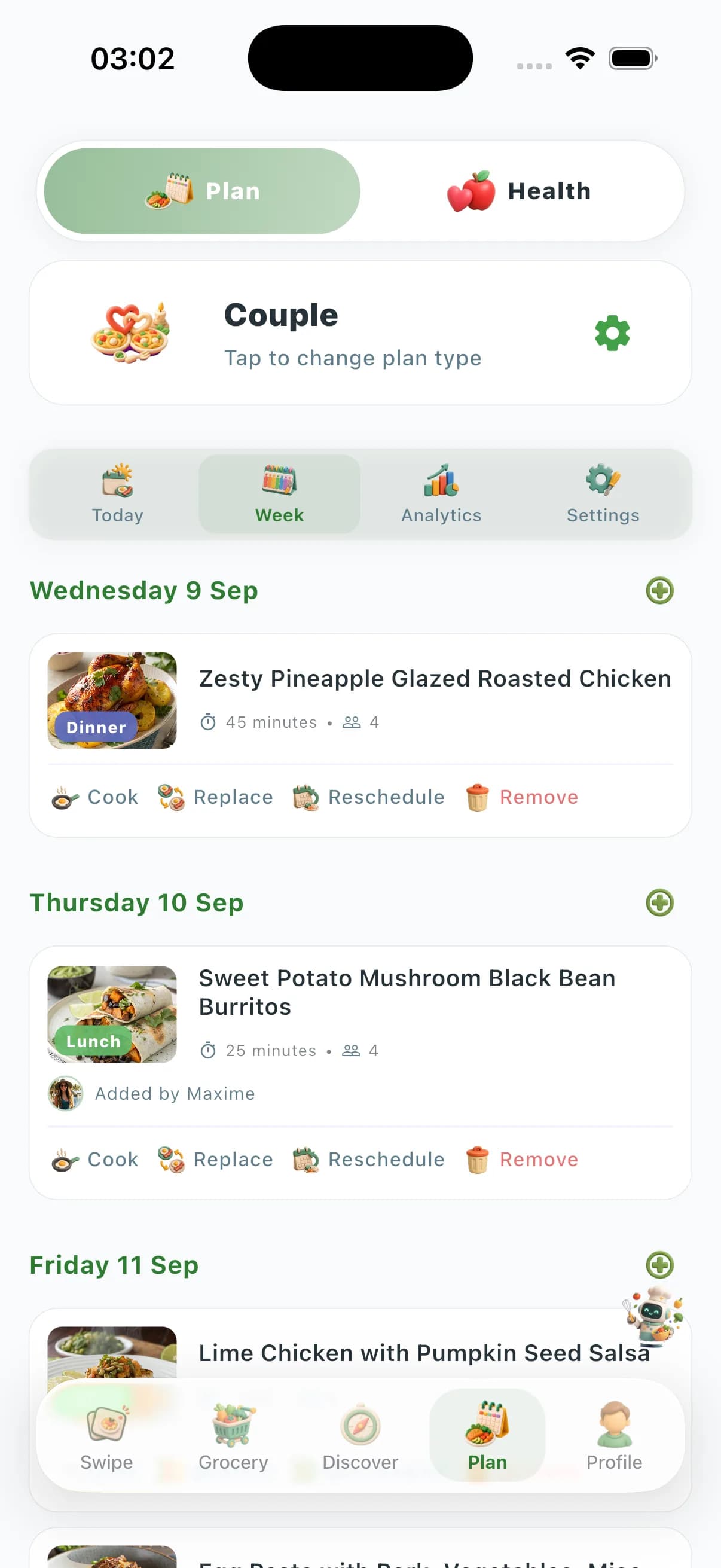
Recipe-import meal planner comparison
| Import job | ChefSphere | Paprika | Copy Me That | Mealime |
|---|---|---|---|---|
| Import from a recipe URL | Yes — bring your own recipes | Yes — excellent clipper | Yes — web clipper | Weak / catalog-first (app ends Oct 21) |
| Imported meals enter the weekly plan | Yes — swipe / schedule | Calendar, not a swipe household OS | Weak mobile planning | Mostly Mealime catalog |
| Grocery list from imported + planned meals | Yes — one merged list | List from saved recipes | List from clipped recipes | Was catalog list |
| Two people share imported recipes | Household zones | Cloud sync (paid) | Account sharing, web-first | No two-taste merge |
| Free to start on phone | Yes — iPhone and Android | Paid app | Freemium web | Do not start a new account |
| Still a product after 2026 | Yes | Yes | Yes | No — shutdown Oct 21 |
Import quality depends on the recipe page. Features change by plan and region. Comparison reflects public capabilities in 2026.
Import is useless if it never becomes a week
A clipper that never becomes a grocery list is a bookmark folder. The search “meal planning app import recipes” is people who already have food they like and refuse to retype it. The product that wins downloads is the one that files the recipe and then treats it like any other dinner: approve, assign, shop. Paprika files better. ChefSphere plans and shops better after the file exists.
Verdict: which app should you install?
Install ChefSphere if the job is “my recipes + this week’s list.” Buy Paprika if you live in a personal cookbook and barely need a household plan. Use Copy Me That in the browser if clipping websites is the whole job. Do not start Mealime — it closes October 21, 2026.
Importing recipes into a meal planner — FAQ
- Can I import my own recipes into ChefSphere?
- Yes. Bring your own recipes, then put them on the week and generate the grocery list. That is the point of a planner — not a closed catalog.
- Is Paprika better at importing?
- Paprika is the best dedicated clipper. It is a paid recipe box. If you also need two people, a swipe deck, and an aisle list from the plan, install ChefSphere.
- What about Copy Me That?
- Excellent at saving web recipes. Weak as a native household meal-planning OS. Clip there if you want; plan and shop in ChefSphere.
- Mealime imported my recipes — what now?
- Export what you can before October 21, 2026, then install ChefSphere and bring those recipes into a live plan. Do not start a new Mealime household.
Keep exploring
- ChefSphere vs Paprika — Clipper vs planner that still imports.
- Planner with grocery list — After import, the list still has to exist.
- Best free meal planning app — Start without a card.