Food posts, stories, comments, saves and shares
ChefSphere Community Feed: a food social network built around real cooking
Post cooking updates, upload food images, link recipes, ingredients or stores, discover trending tags, comment in threads, save posts, share across ChefSphere and keep the feed safer with moderation, reports, hides and blocks.



What you can do in the community feed
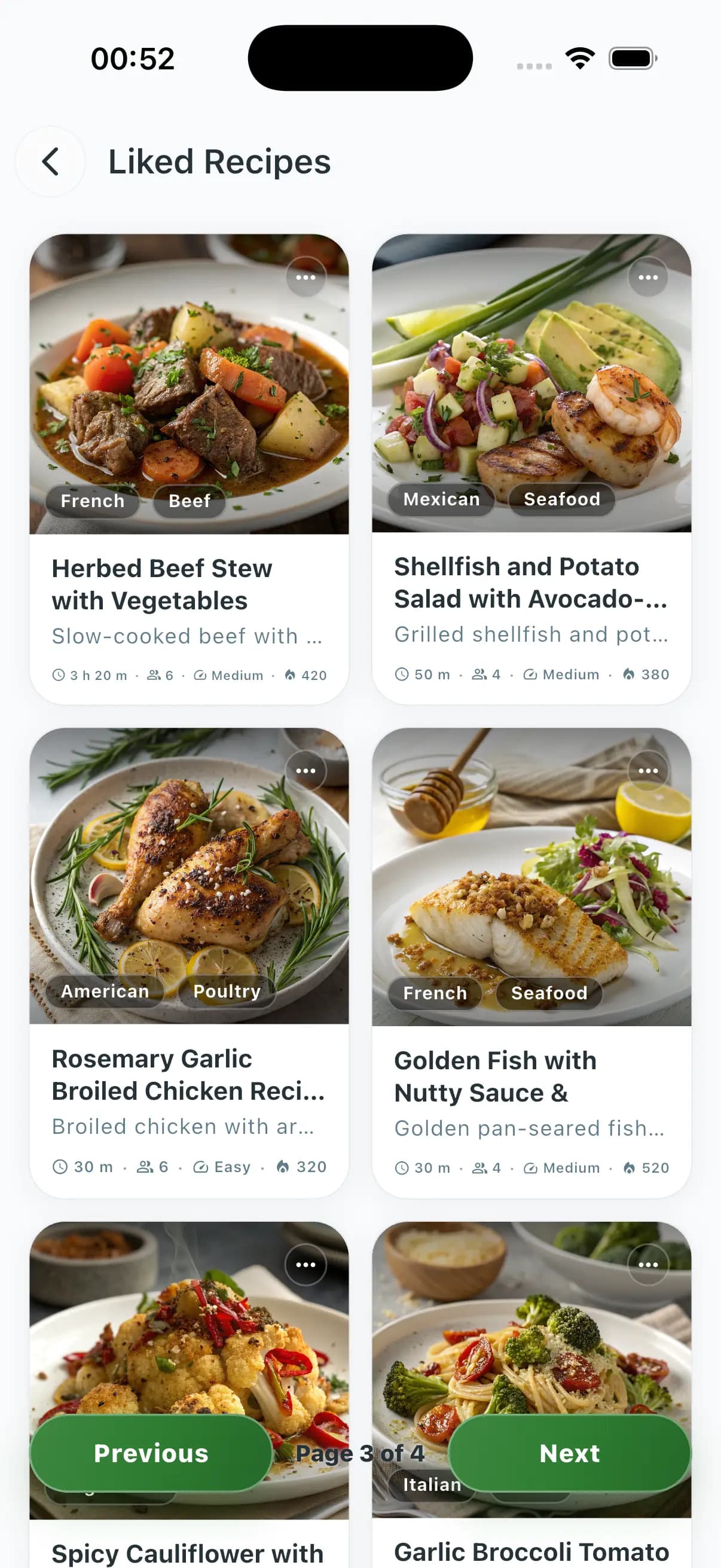
The feed is not a generic wall. It supports post galleries, categories, tags, recipe links, ingredient/store context, comments and replies, likes, saves, shares, post views, hidden posts, blocked users and moderation before publishing.
- 01Create, edit, delete, search and view food-related posts with image galleries, categories, tags, locations and optional linked recipe, ingredient or store data.
- 02Interact with likes, saves, platform shares, threaded comments, comment likes, post views and saved-post lists so good cooking ideas stay easy to find.
- 03Protect the community with moderation before content appears, reports for posts and comments, hidden posts, blocked users and stronger control over who can interact with you.
- 04Share daily food stories with one-story-per-day limits, 24-hour expiry, food-image verification, likes, views and automatic cleanup of expired stories.
Common questions
What can I post in the ChefSphere Community Feed?
Members can share food-related posts with text, images, categories, tags, locations and optional links to recipes, ingredients or stores.
Does the feed support real social interactions?
Yes. ChefSphere supports likes, saves, shares, threaded comments, comment likes, post views, saved posts and user-level hiding or blocking.
How does ChefSphere keep the feed safer?
Posts and comments use moderation, reporting, hide flows and blocking. Stories also verify that uploaded images are food or cooking related.
Related community surfaces
Community Feed
Post cooking updates, upload food images, link recipes, ingredients or stores, discover trending tags, comment in threads, save posts, share across ChefSphere and keep the feed safer with moderation, reports, hides and blocks.