Features
Swipe. Plan. Shop. Cook.
Like the plates that fit. They become a week, a grocery list, and a cook path. Match with who you cook with. Health tracking is the payoff after you eat — not the pitch.


The week loop
Four moves. One app. Open any card for the full story.
- 01
Swipe
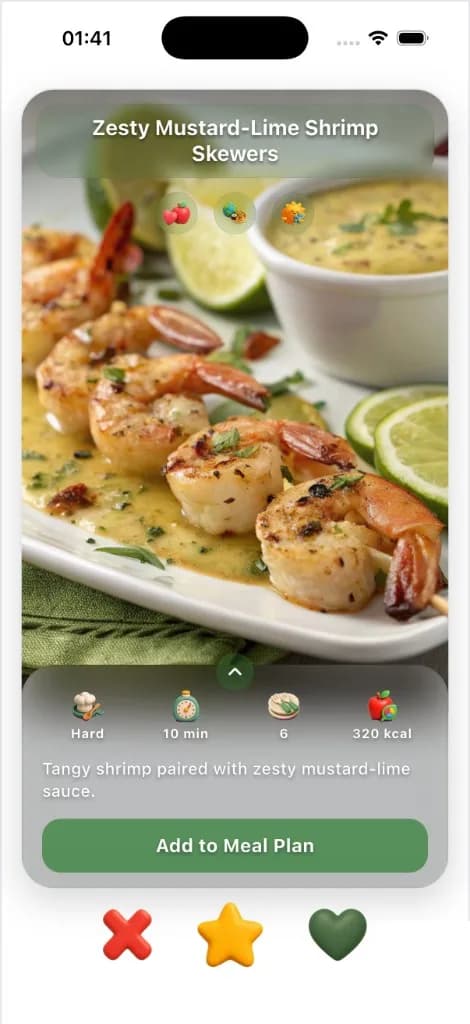
Like the plates that fit — meals or drinks. Every swipe trains the week that follows.
See how - 02
Plan
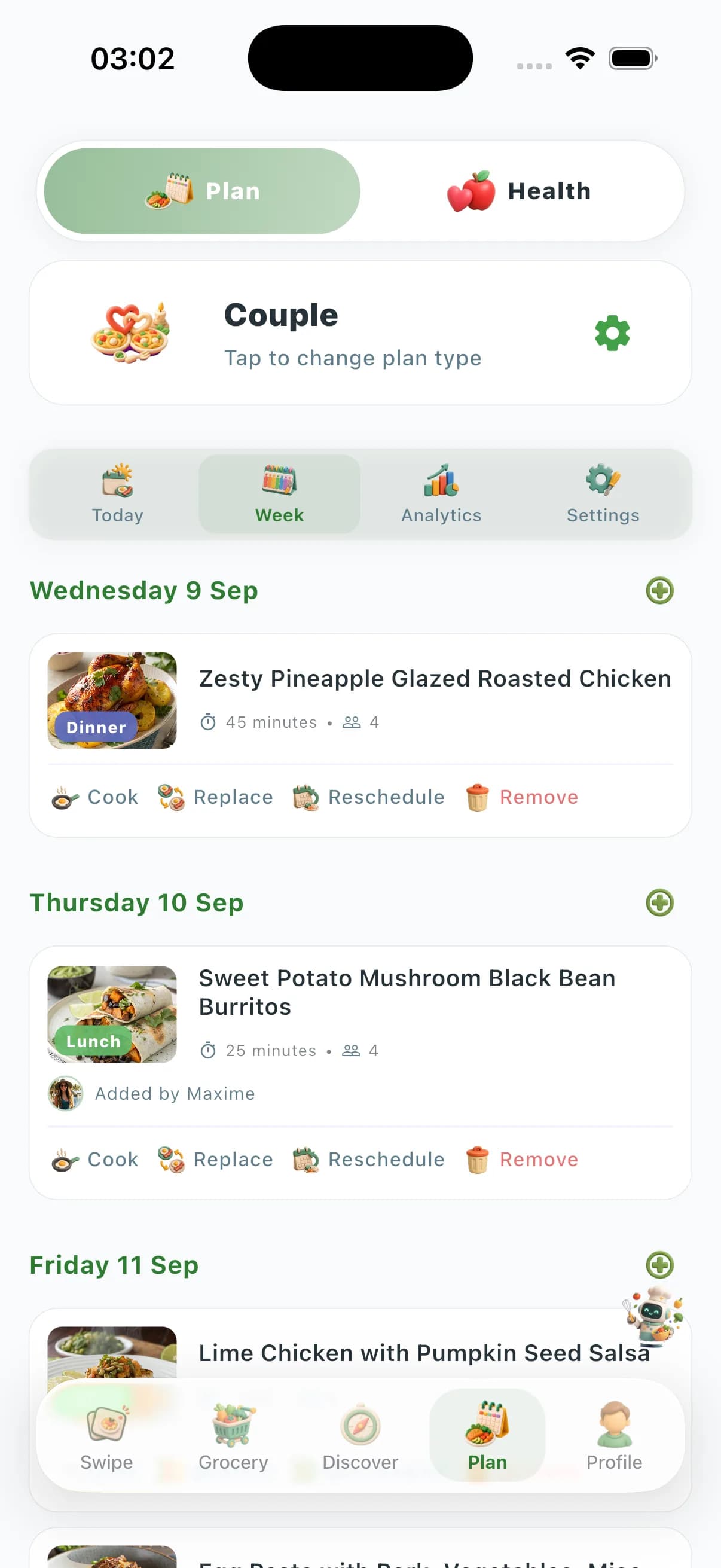
The week fills in from what you liked — solo, couple, family, or friends. Reschedule anything in one tap.
See how - 03
Shop
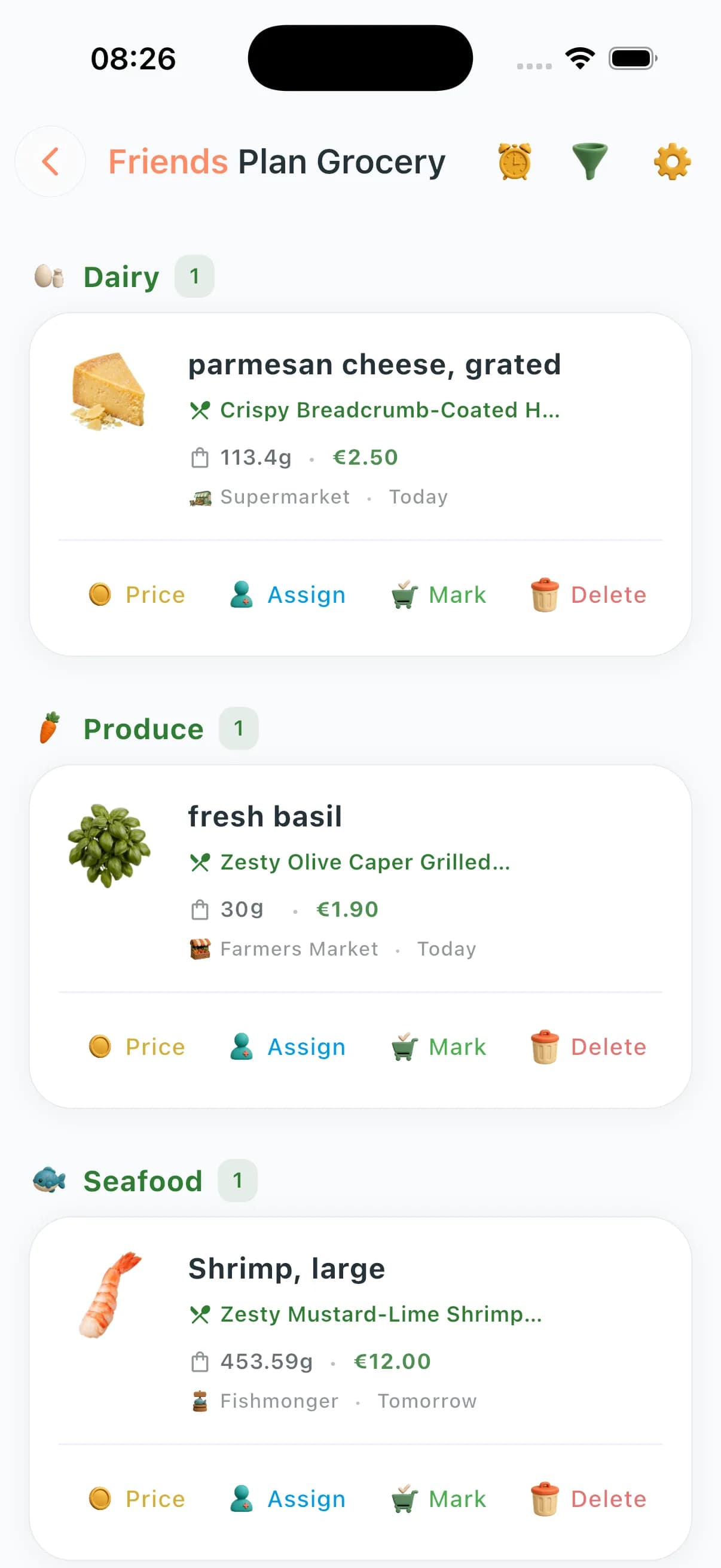
The list builds from the plan — by aisle and store. Optimize and substitutes are Premium+.
See how - 04
Cook
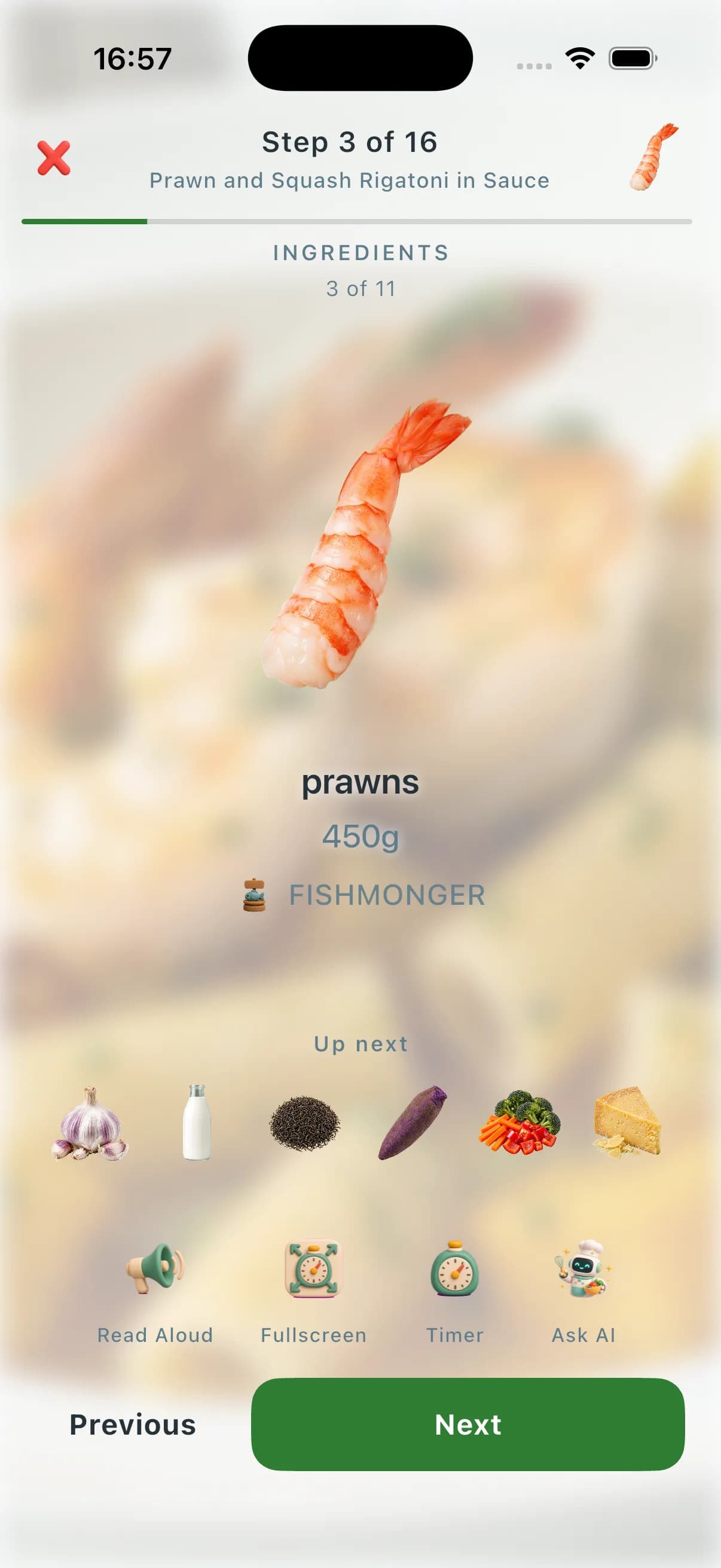
Chef AI already knows tonight. Cook Mode walks the dish on iPhone.
See how

Also in the app
Match with who you cook with. Track health after you eat. Lives, tools, ebooks, and community if you want them — none of this is required to finish tonight.
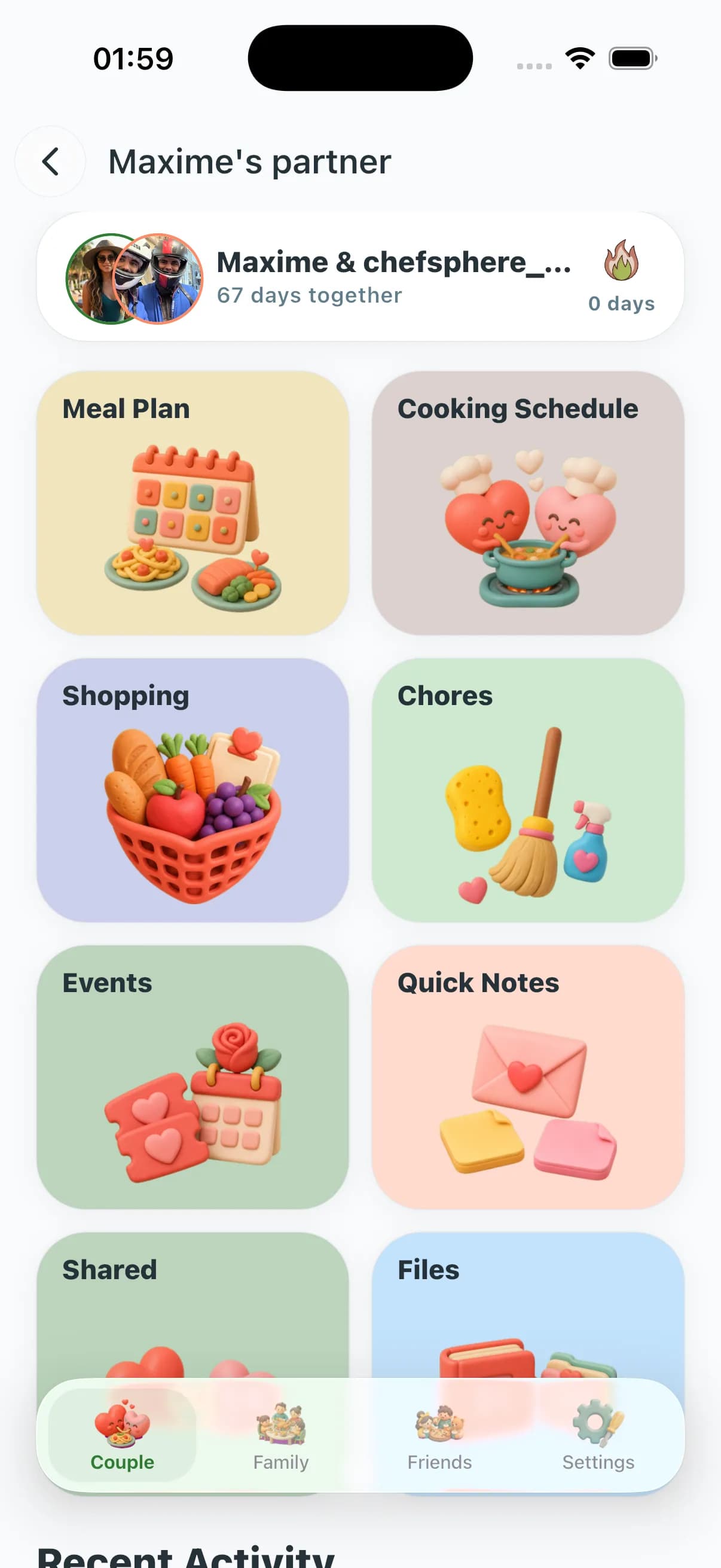
Personal Zone
Match with who you cook with — couple, family, or friends. Shared plans, assigned shopping, a kitchen that actually knows both of you.
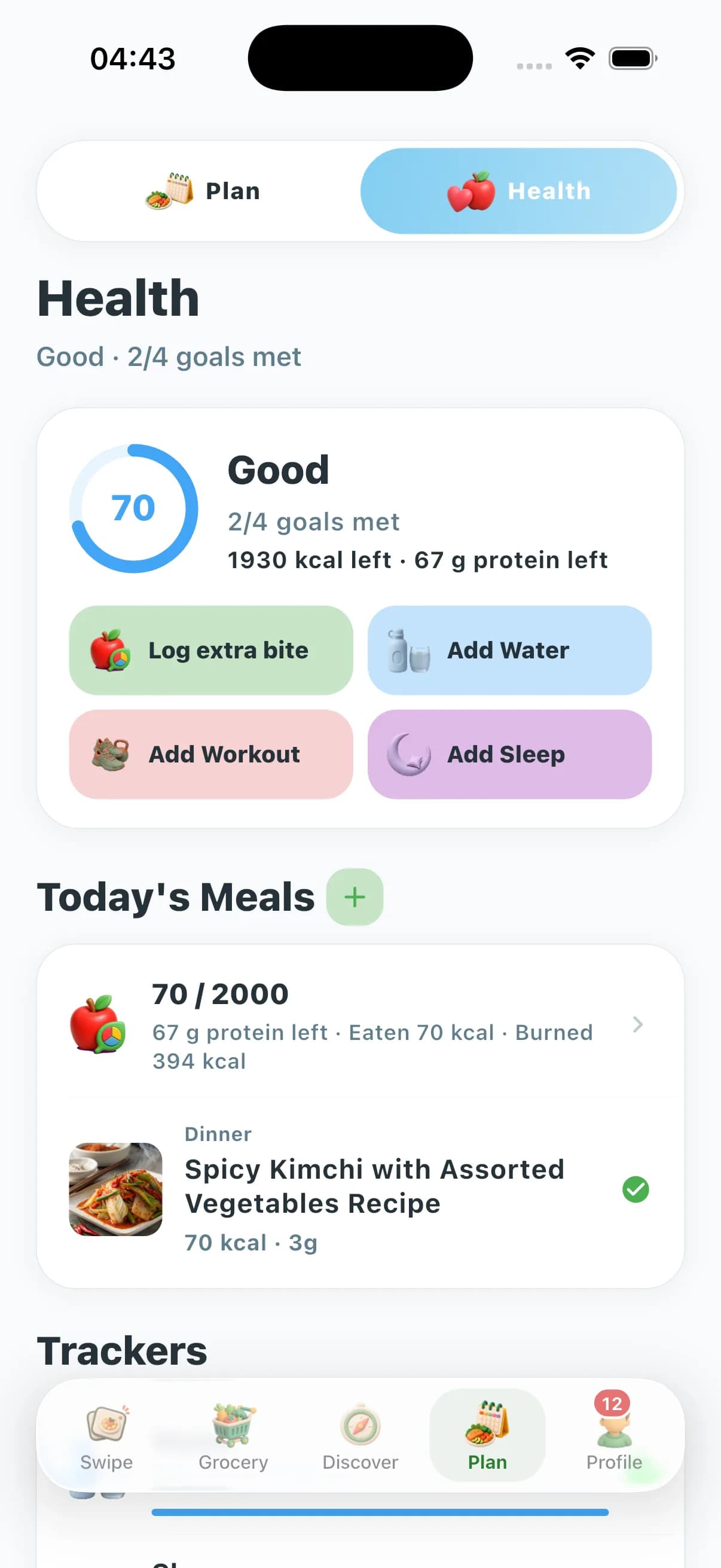
Health Tracking
Nutrition, water, sleep, workouts — after you eat, not instead of dinner. Optional signals can feed next week’s plan.
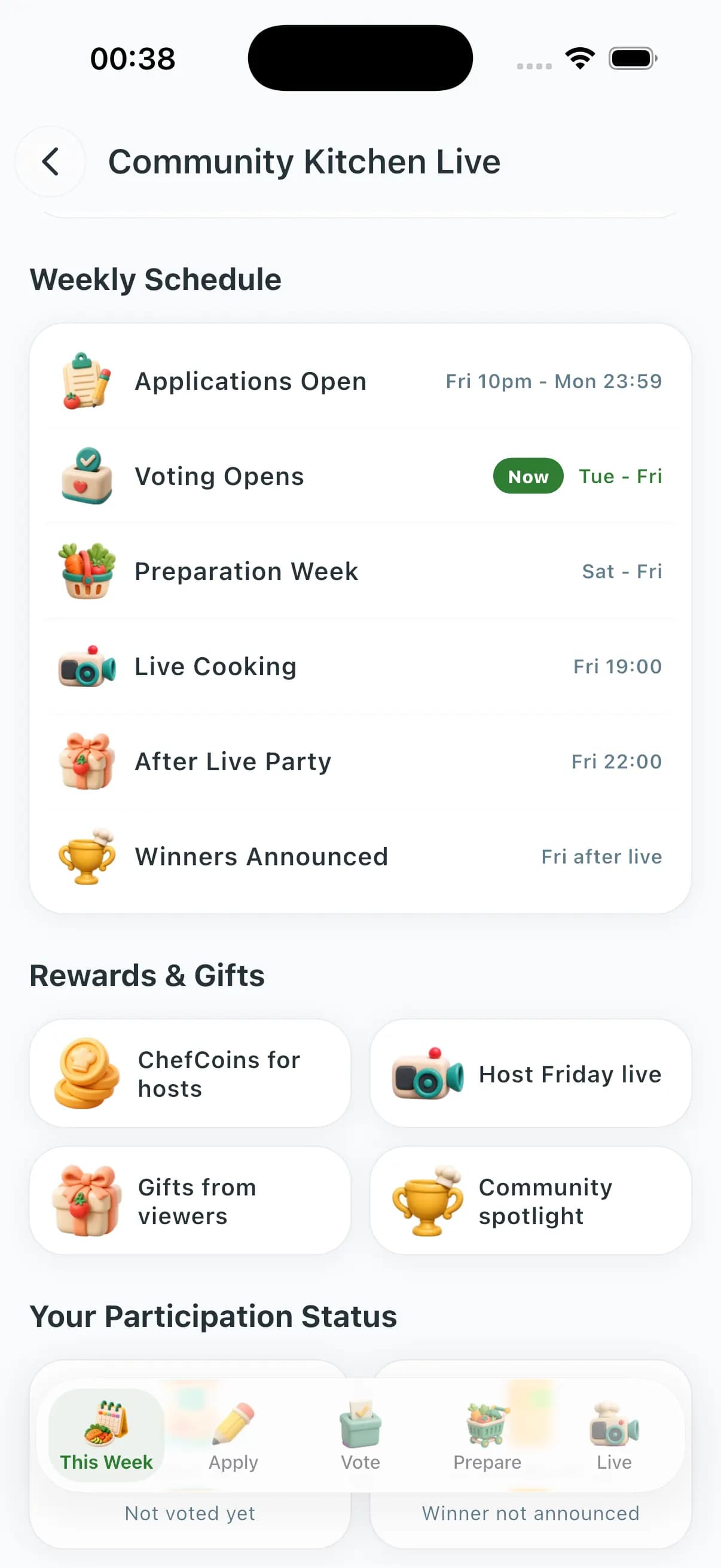
Chef Lives
Live cooking streams with chat and reactions. Optional — the week loop does not need a live host.
Kitchen Tools
Rent or buy from a neighbour nearby. Official store partner listings sit beside that — not required to cook tonight.
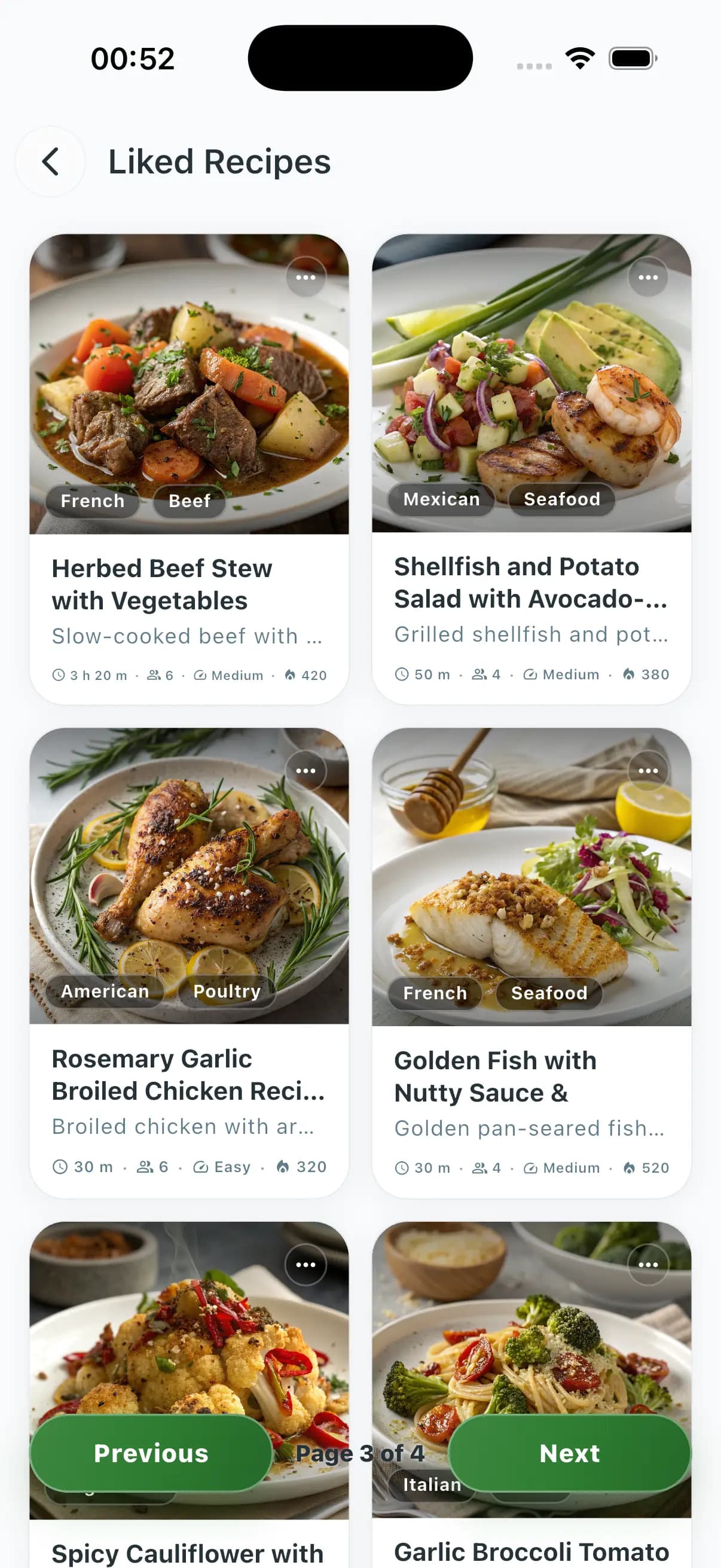
Cooking Ebooks
Buy, read, or publish cooking ebooks in the app — for people who want a book, not a tenth dinner step.
Community & Recipes
Feed, recipes, ratings, follows — if you want the social layer. Tonight still works without it.
How a week happens
Swipe → plan → shop → cook. Skip a step if you want; the rest still work. Health tracking is optional payoff after you eat.
- 01
Swipe
Open Swipe for Meals or Drinks. Like the plates that fit, pass on the rest — saved preferences and swipe signals keep future recommendations sharper.
- 02
Plan
Generate a week (solo, couple, family, friends). The AI respects diets, budget, time, allergies, and your saved likes.
- 03
Shop
The grocery list auto-builds from the plan, organized by aisle and store, with budget analytics and crowd-sourced prices.
- 04
Cook
Chef AI already knows tonight. Cook Mode walks the dish step by step on iPhone.
Frequently asked questions
What is ChefSphere?
ChefSphere is a meal app: swipe recipes, plan the week, shop a grocery list, and cook. Match is real. Chef AI reads your plan. Download it on iOS or Android.
How is this different from Yummly, Mealime, or Whisk?
Most recipe apps stop at a saved folder. ChefSphere runs the week: swipe what you like, plan from that, shop the list, cook. Match is real. Health tracking is optional after you eat.
Is it free?
Yes. The Free plan covers daily swipes, AI Quick Recipes, basic meal planning, an AI grocery list, community, and one external recipe extraction per week. Cook Mode is on iPhone. Premium adds vision AI, partner accounts, and 30 swipes/day. Grocery optimize and substitutes are Premium+. Pro unlocks Family + Friends zones, advanced AI models, and 70 swipes/day.
Which platforms run ChefSphere?
ChefSphere is live on iPhone and Android. The website is for stories, recipes, and accounts — the week loop is in the apps.
Do swipes really change my meal plans?
Yes. Every swipe adds preference signal alongside saved settings such as nutrition goals, allergies, disliked ingredients, cuisine, cooking time, skill, and budget. The longer you use Swipe for Meals, the better future recommendations and plans can fit you.
Can I use it with my partner, family, or roommates?
Yes. Match is real. Couple, Family, and Friends zones share a plan and a grocery list — assigned shopping, notes, and the kitchen actually knowing who is cooking.
How private is my data?
Your data is yours. ChefSphere is designed around private accounts, protected sensitive data, and user control. We never sell health, grocery, or taste data to third parties — full policy lives in /legal/privacy.
Where does ChefSphere fit in my food-app stack?
It is the week loop: swipe, plan, shop, cook. Match if you cook with someone. Health, lives, tools, and ebooks sit on the side — you do not need them to finish tonight.
Swipe. Plan. Shop. Cook.
The loop lives in the iPhone and Android apps. Login stays in the bar if you already have an account.