Budget views that reconcile your cart with your target
Grocery stops being guesswork: totals roll up beside plan expectations, deviations highlight categories worth revisiting next week, and Community Prices ground the estimates.


What you can do
Budget pacing relative to Meal Planning quotas.
Savings narratives informed by Community Price inputs.
Statistics dashboard for habitual spend patterns.
Per-category spend breakdown against weekly targets.
Price history from Community contributors for common staples.
Budget/savings analytics with period filtering.
Comparison of actual spend vs AI-predicted list cost.
Export-free insights surfaced in the dashboard.
How budget tracking works
- 1
Set a weekly grocery budget in your preferences.
- 2
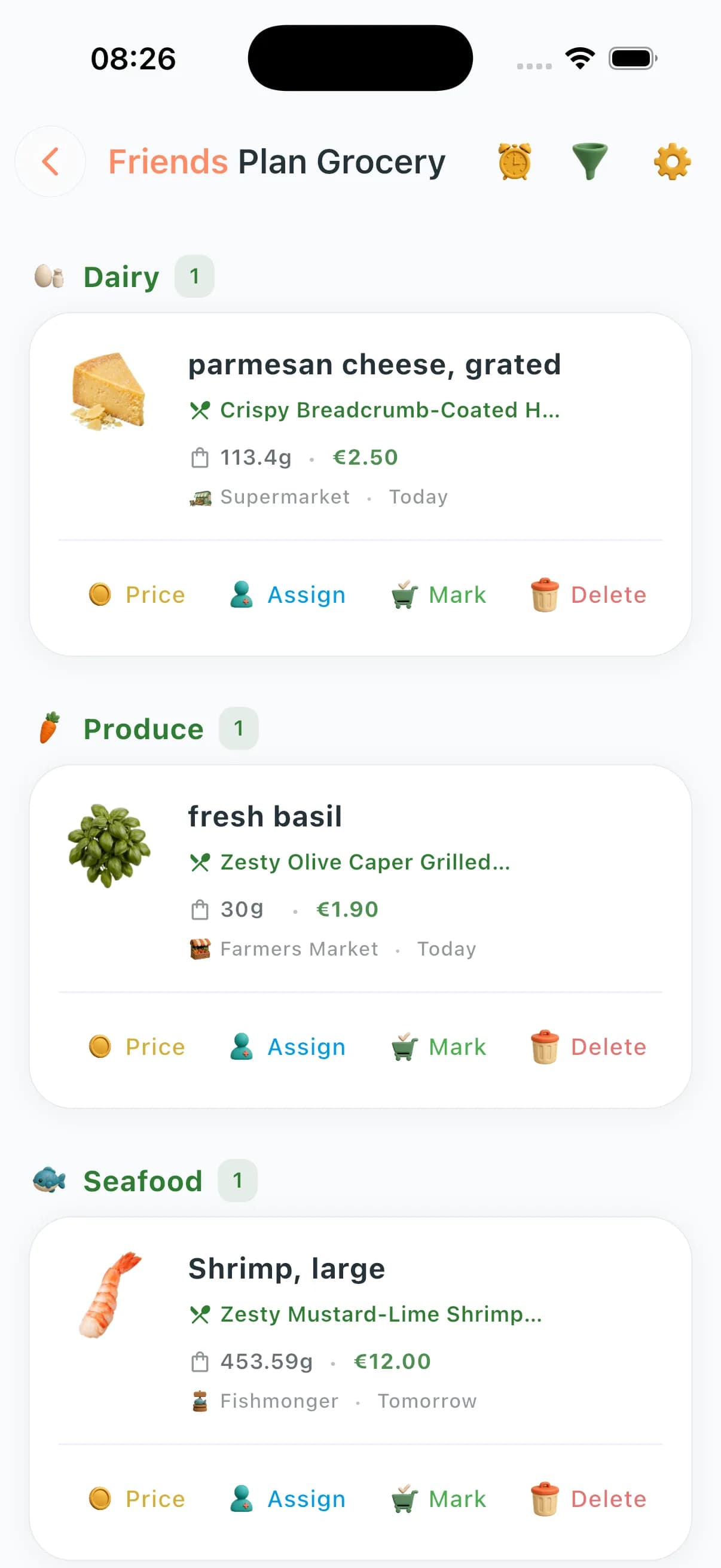
As you plan meals, ChefSphere estimates list cost using Community Prices where available.
- 3
After shopping, log your actual spend or mark items as bought with price.
- 4
The dashboard shows actual vs. target, category breakdown, and trend over time.
- 5
Community Prices update estimates as neighbours contribute new store data.
Who benefits most
The budget-conscious planner
See the estimated cost of next week's plan before you commit. Adjust meals to hit your budget target.
Tracking spend over time
Month-over-month spend patterns show where costs creep — useful for anyone trying to spend less without eating less well.
Shared household budget
Couples and families can set a shared budget. Both see spend pacing in real time.
Saving with substitutions
When a planned ingredient is expensive this week (from Community Prices), ChefSphere can suggest budget-friendly swaps.
Questions about budgeting
How does ChefSphere know what things cost?
Community Prices is a crowd-sourced database of real store prices submitted by users. Where data exists near you, estimates are grounded in actual local costs.
What if Community Prices doesn't have data for my area?
Estimates fall back to general averages. The more your local community contributes, the more accurate prices become.
Can I set different budgets for different weeks?
Yes. Budget targets are configurable per planning period. Useful for months with bigger or smaller grocery spend.
Does it count my full grocery bill, not just planned items?
You can add items manually to the list including non-planned purchases. All marked-as-bought items contribute to your spend total.
Which plans get budget analytics?
Basic budget tracking is available on Free. Premium and Pro unlock richer dashboards, period comparisons, and savings insight.
See budget in the app
Built to keep planning, shopping, budgeting, and household coordination in one connected grocery workflow.

