



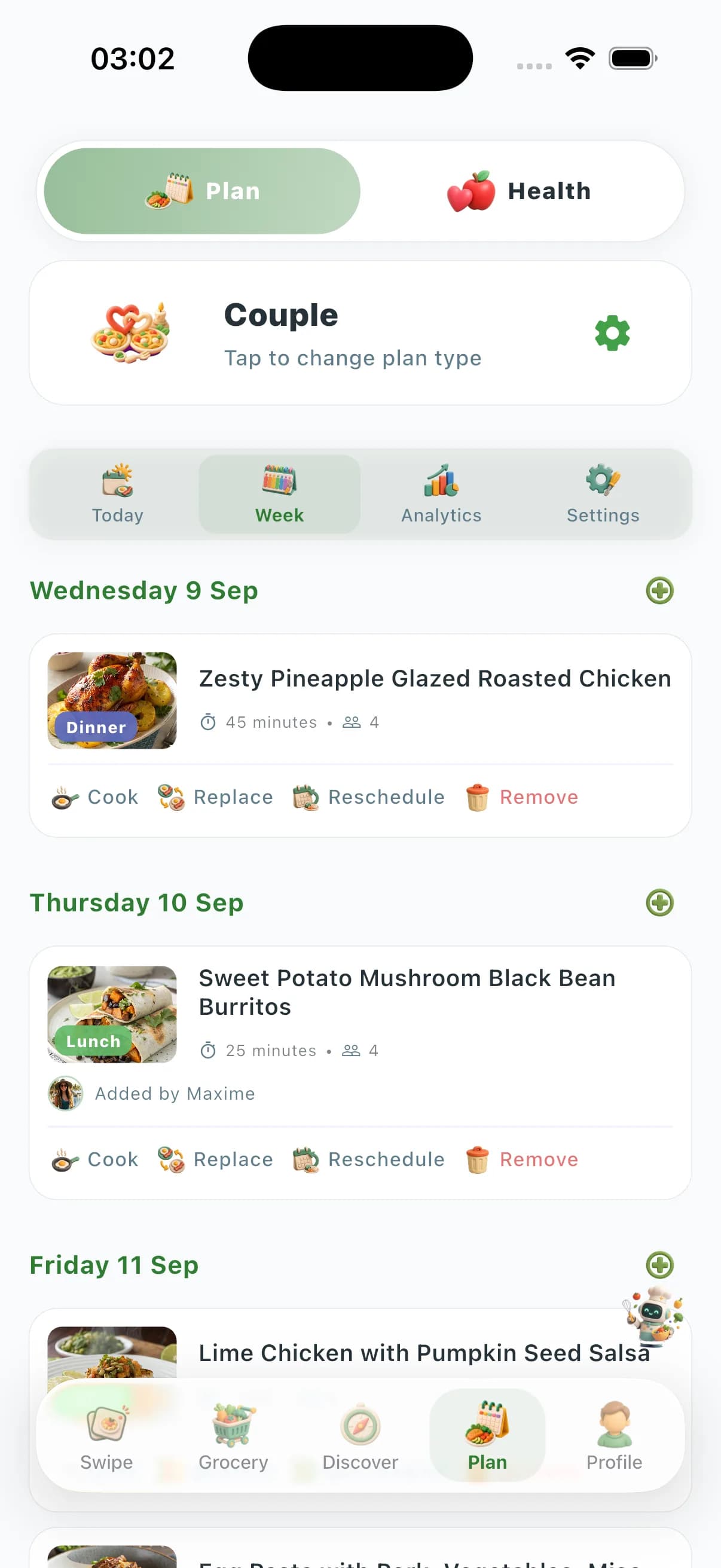
Plan to Eat covers web recipe clipping, drag-and-drop calendars, and grocery lists—but it has no preference-aware swipe, no AI weekly plans, no Couple/Family/Friends zones, no Community Prices, no vision AI, and no kitchen-tools marketplace. ChefSphere solves the full weekly-dinner workflow for real households: preference-aware swipe discovery with taste learning, AI weekly plans, Quick Recipe shortcuts, auto grocery lists, Couple/Family/Friends zones with member-level preferences, vision AI, crowd-sourced Community Prices, Chef Lives, and a kitchen-tools marketplace.
| Capability | ChefSphere | Plan to Eat |
|---|---|---|
| Recipe saving & organization | Discovery via swipe; libraries, community recipes, and external import | Clip and organize only—no AI discovery, zones, or Community Prices |
| Preference-aware swiping & taste learning | Yes—swipe decks ranked by saved taste, nutrition, allergens, budget | No—manual recipe selection onto calendar; no swipe taste-learning deck |
| Couple / family member-level planning | Couple Zone, Family Zone, Friends Zone with per-member signals | Shared account possible; not built around member-level preference zones |
| AI meal planning & Quick Recipe modes | AI weekly plans, under-15-min modes, pantry-based suggestions | Manual drag-and-drop calendar; no generative AI planning layer |
| Crowd-sourced grocery price intelligence | Community Prices from real stores; budget-optimized plans | Shopping lists from planned meals; no crowd-sourced price layer |
| Live cooking streams & tools marketplace | Chef Lives + kitchen-tools marketplace | Not part of Plan to Eat |
Planning & shopping
Both apps can turn a meal plan into a grocery list. Plan to Eat stops at clip → drag onto a calendar → export a list—no AI weekly plans, Quick Recipe shortcuts, or crowd-sourced Community Prices. ChefSphere generates AI weekly plans, adds Quick Recipe shortcuts for busy nights, and prices lists against real stores so shopping is optimized for your budget—not just consolidated from a manual calendar.
Discovery & personalization
Plan to Eat has no discovery layer—you must already know what to cook, clip it, and schedule it yourself. ChefSphere layers preference-aware swipe decks that learn taste, nutrition goals, allergens, cooking time, and budget per swipe, plus AI Chef vision and external recipe extraction—turning dinner decisions into an active, decision-reducing loop rather than a manual calendar exercise.
Households & coordination
Plan to Eat may share one account, but it does not model two distinct people negotiating one plan. ChefSphere’s Couple Zone, Family Zone, and Friends Zone keep each member’s preferences, allergens, and goals separate while finding genuine overlap—plus cooking schedules, chores, events, and recipe matches that a clip-and-calendar app does not attempt.
Platform breadth & depth
Plan to Eat stays at clipping, calendar planning, and grocery lists—leaving streams, health hooks, vision AI, Community Prices, and marketplace commerce out. ChefSphere bundles Chef Lives streaming, ebooks, health-tracking hooks, community feeds, vision AI, and a kitchen-tools marketplace on iOS, Android, and web.
FAQ
- What does Plan to Eat leave out?
- Plan to Eat stops at web clipping, drag-and-drop calendars, and grocery lists. It does not offer preference-aware swipe discovery, AI weekly plans, Couple/Family/Friends zones, Community Prices, vision AI, or a kitchen-tools marketplace—so households still decide and schedule dinner alone. ChefSphere covers that full weekly-dinner stack.
- Why choose ChefSphere over Plan to Eat?
- Choose ChefSphere for preference-aware swipe discovery, AI weekly plans, Couple/Family/Friends zones with member-level preferences, crowd-sourced Community Prices, vision AI, and a kitchen-tools marketplace—not just clip-and-calendar planning. ChefSphere is built for households that need help deciding what to cook, coordinating tastes, and shopping with real store prices.
- Does Plan to Eat have AI meal planning or swipe discovery?
- No. Plan to Eat is manual only: you clip recipes, drag them onto a calendar, and generate lists. ChefSphere adds AI-generated plans, preference-aware swipe decks that learn your taste, Quick Recipe modes, and vision AI—features Plan to Eat does not offer.
- Can Plan to Eat replace ChefSphere for couples?
- Plan to Eat can share one account between partners, but it does not offer ChefSphere-style Couple Zone with merged taste profiles, per-member allergens, and recipe matches. If coordinating two distinct palates is your pain point, switch to ChefSphere.
- Why switch from Plan to Eat to ChefSphere?
- Switch when you need more than clip-and-calendar: AI weekly plans, swipe discovery, household zones, Community Prices, and vision AI. ChefSphere replaces manual scheduling with a full weekly-dinner workflow Plan to Eat leaves out.
Verdict
Choose ChefSphere when you want preference-aware swipe, AI plans, household zones, crowd-sourced price intelligence, and a full platform on any device—not a clip-and-calendar tool that leaves discovery, coordination, and pricing to you.
Related features
- Swipe for Meals — discovery and taste learning
- AI meal planning — weekly plans and grocery lists
- Meal prep — batch cooking and prep workflows
- AI Chef — vision and cooking assistant
- Grocery list — lists tied to your plan